Serverless P2P Synchronization

Turn Every Phone in the Room Into a Synchronized Multitrack Studio

RecFi is a web-based multitrack audio recording studio. Record synchronized isolated tracks for band rehearsals, podcasts, and jams using smartphones—no audio interface or cables required.

Zero Hardware
Use any device with a browser and built-in microphone
Sub-Second Sync
Our specialized time-sync algorithm ensures track synchronization, even when they come from different devices.
100% Private
Connections are direct and encrypted. Your audio is never stored on servers, even temporarily.
DAW Export
Download ZIP with isolated stems

Why RecFi?

Designed for musicians, podcasters, and content creators who want studio flexibility without breaking the bank or hauling heavy equipment.

Zero Hardware Friction

No external sound cards, mixers, or thick microphone snakes. Open RecFi in the web browser on any iOS, Android, macOS, Linux, or Windows device.

Synchronized P2P Recording

Sub-second countdown synchronization across all connected devices. All tracks start and stop on the exact same millisecond.

Isolated Stems for DAW Mixing

Get clean, uncompressed isolated stems for drums, vocals, guitars, or guests packaged into a single .zip file. Ready for GarageBand, Ableton, Logic, Pro Tools, or Reaper.

100% Serverless & Private

Audio streams directly between your devices over peer-to-peer connections. Your recorded audio files never pass through or store on third-party cloud servers.

Installable App

RecFi works in your browser or can be installed as an app on your home screen.

Give Older Devices a New Purpose

It is a great way to give older devices a good use and keep them out of the landfill. Most smartphones, tablets, and laptops from the last 10 years should be compatible.

All-in-One Musician Toolkit

In addition to multitrack recording, RecFi includes a standalone recorder and a guitar tuner.

App Showcase

Clean, accessible user interface optimized for touch displays and quick session management.
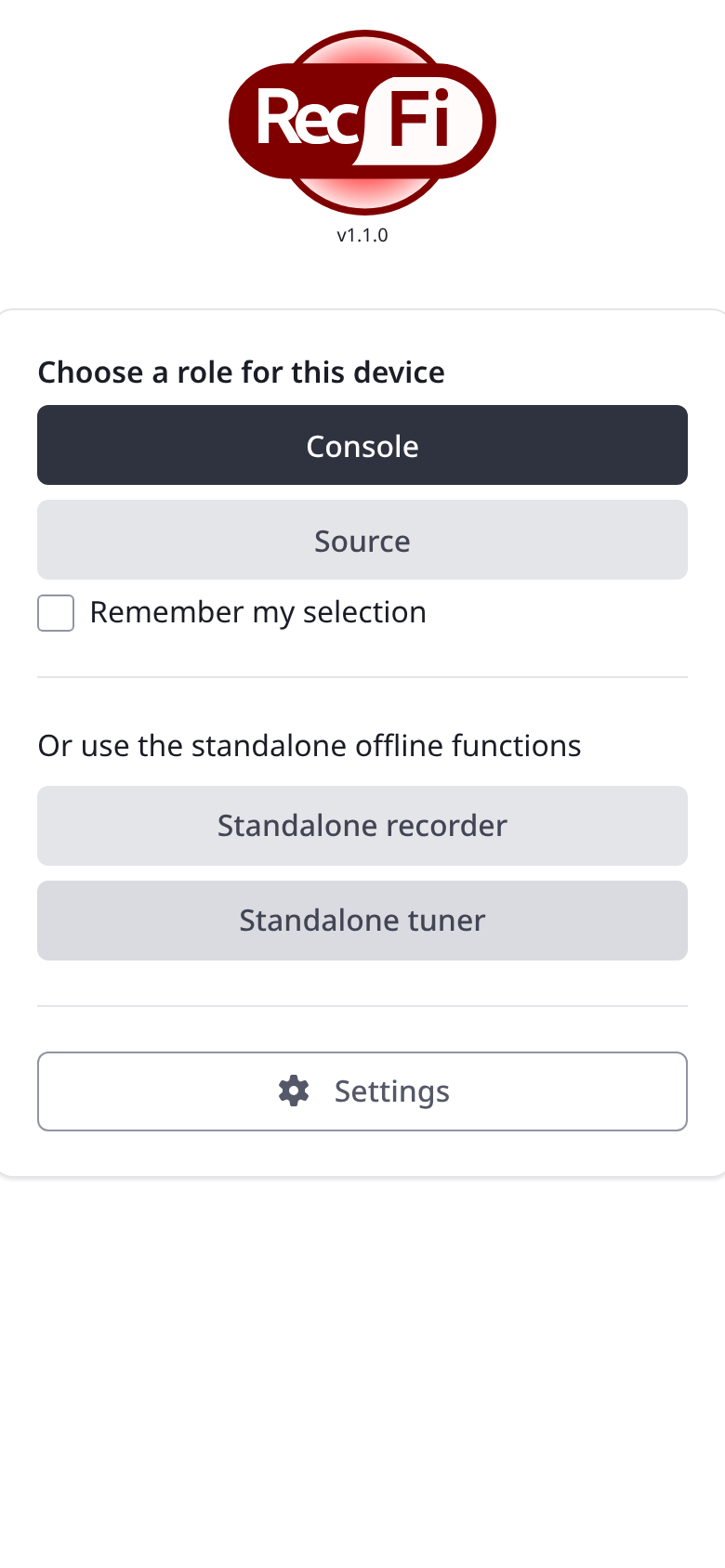
Home Screen
Home Menu

Mode Selection

Choose Console, Track Source, Standalone Recorder, or Tuner.
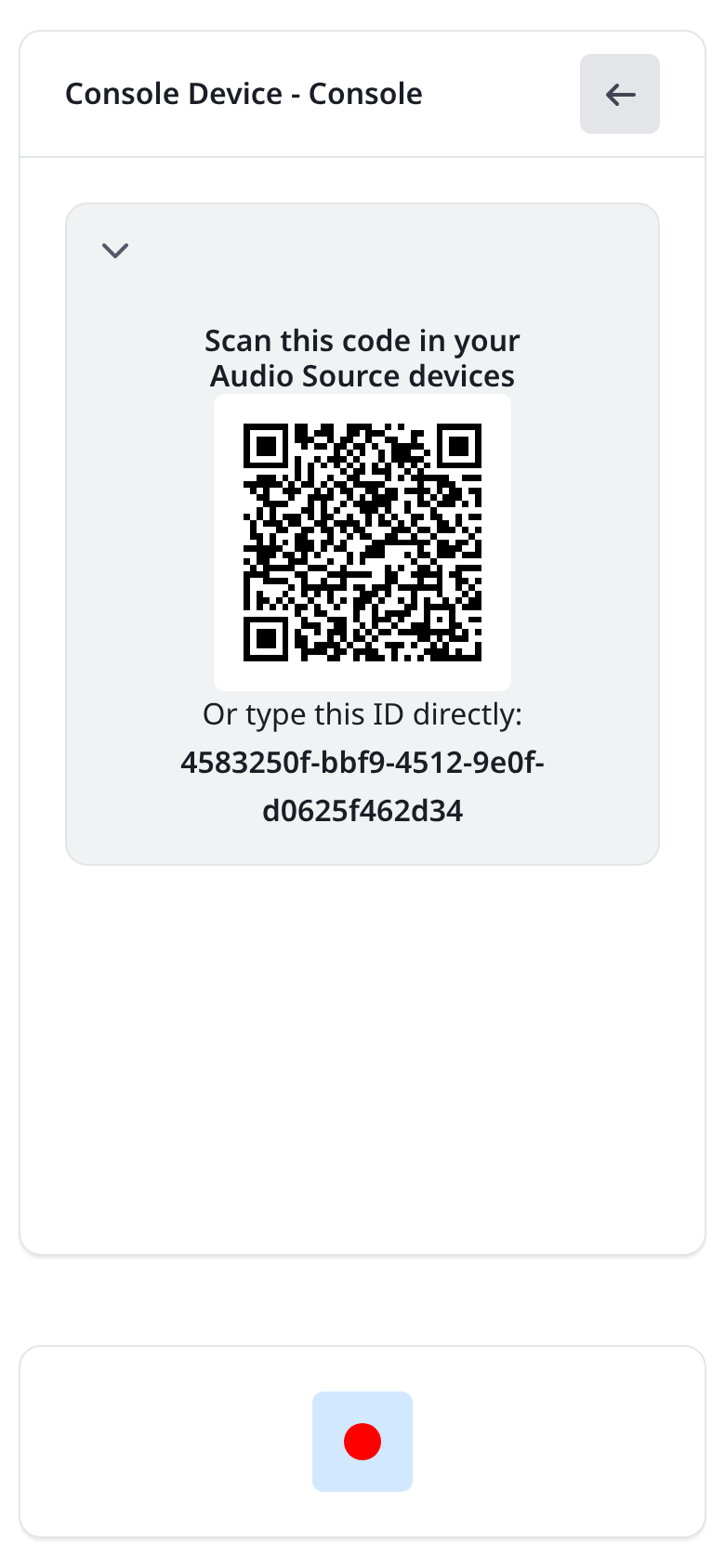
Console Session Setup
Console

Session Pairing

Unique Peer ID and QR Code for instant phone connections.
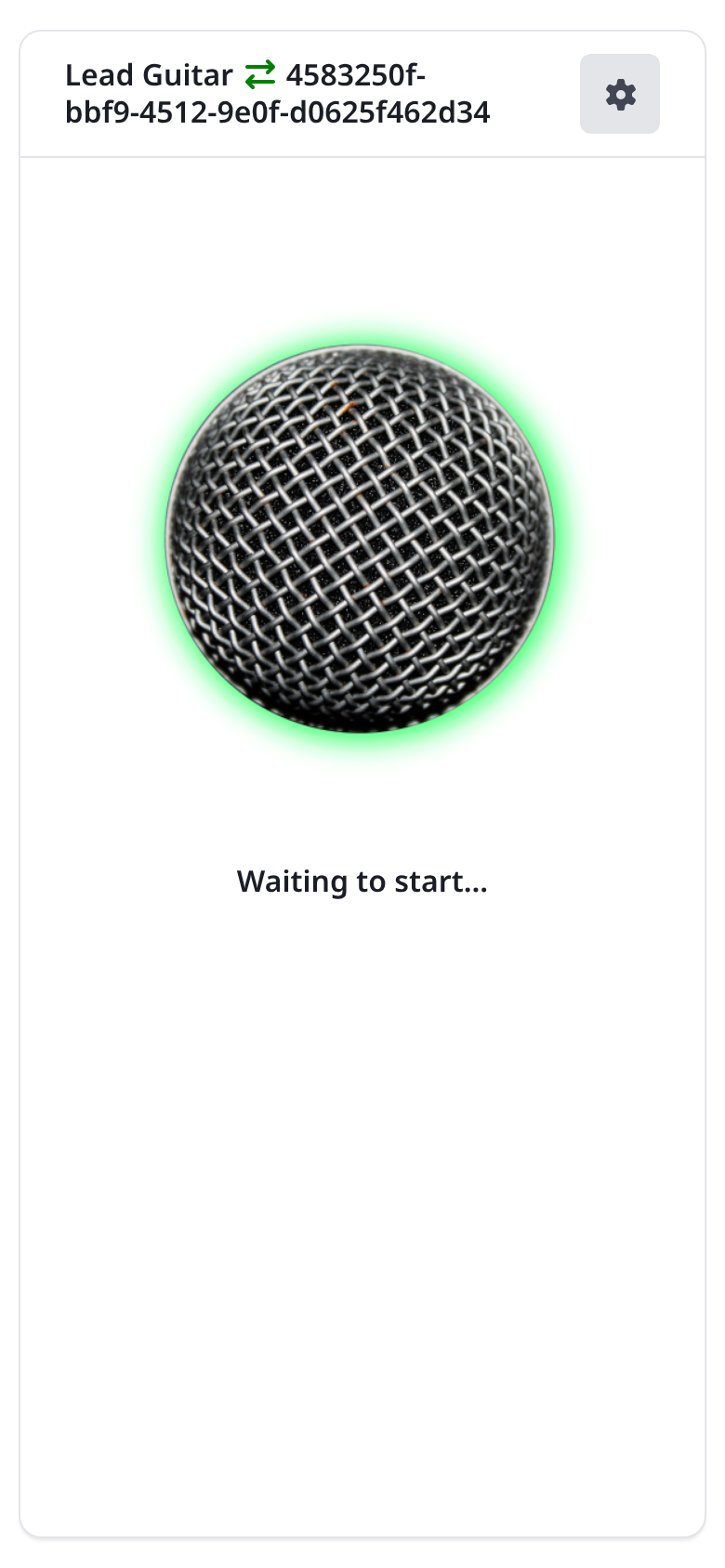
Audio Source Connected
Track Device

Live Mic Level

Real-time level meter confirming audio input readiness.
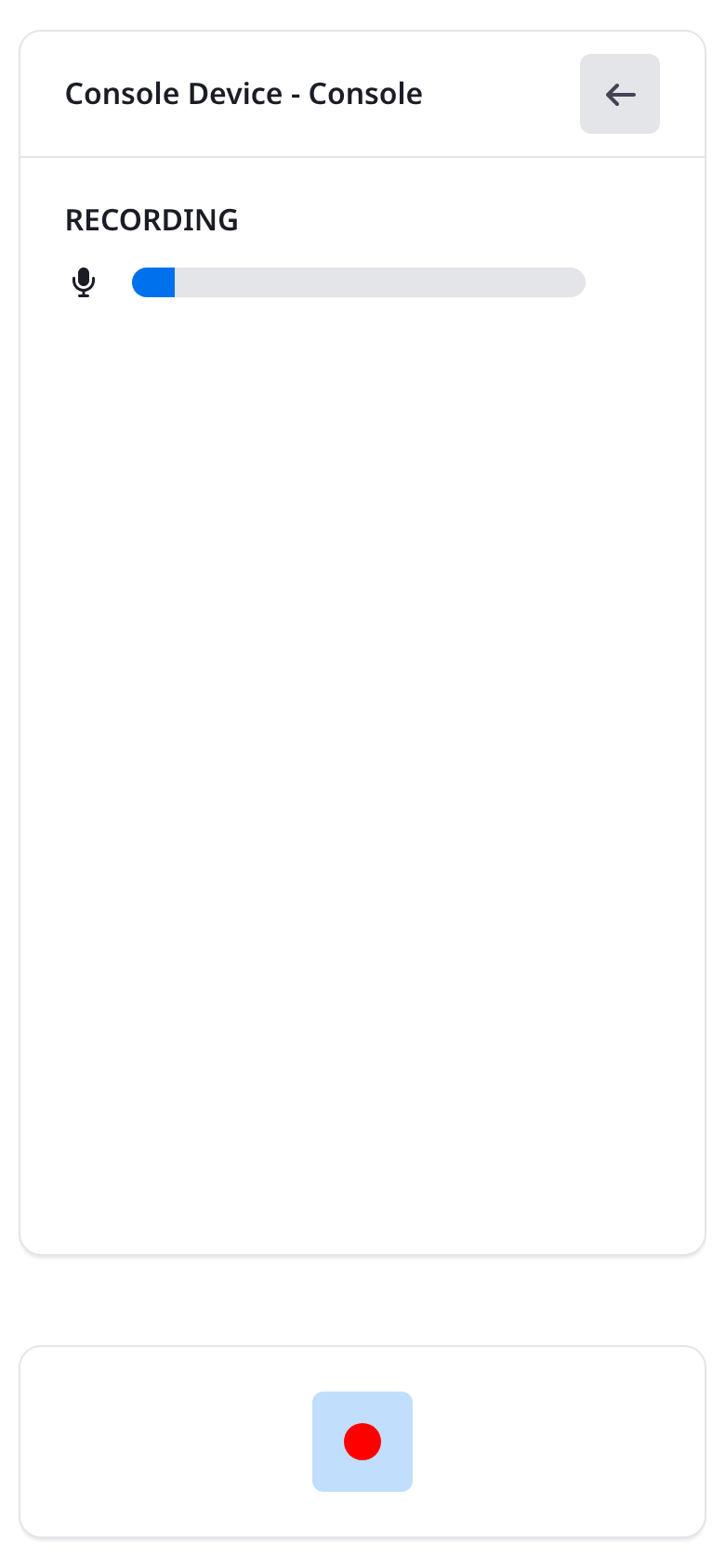
Multitrack Recording in Progress
Console

Active Session

Synchronized timer and live track monitors during recording.
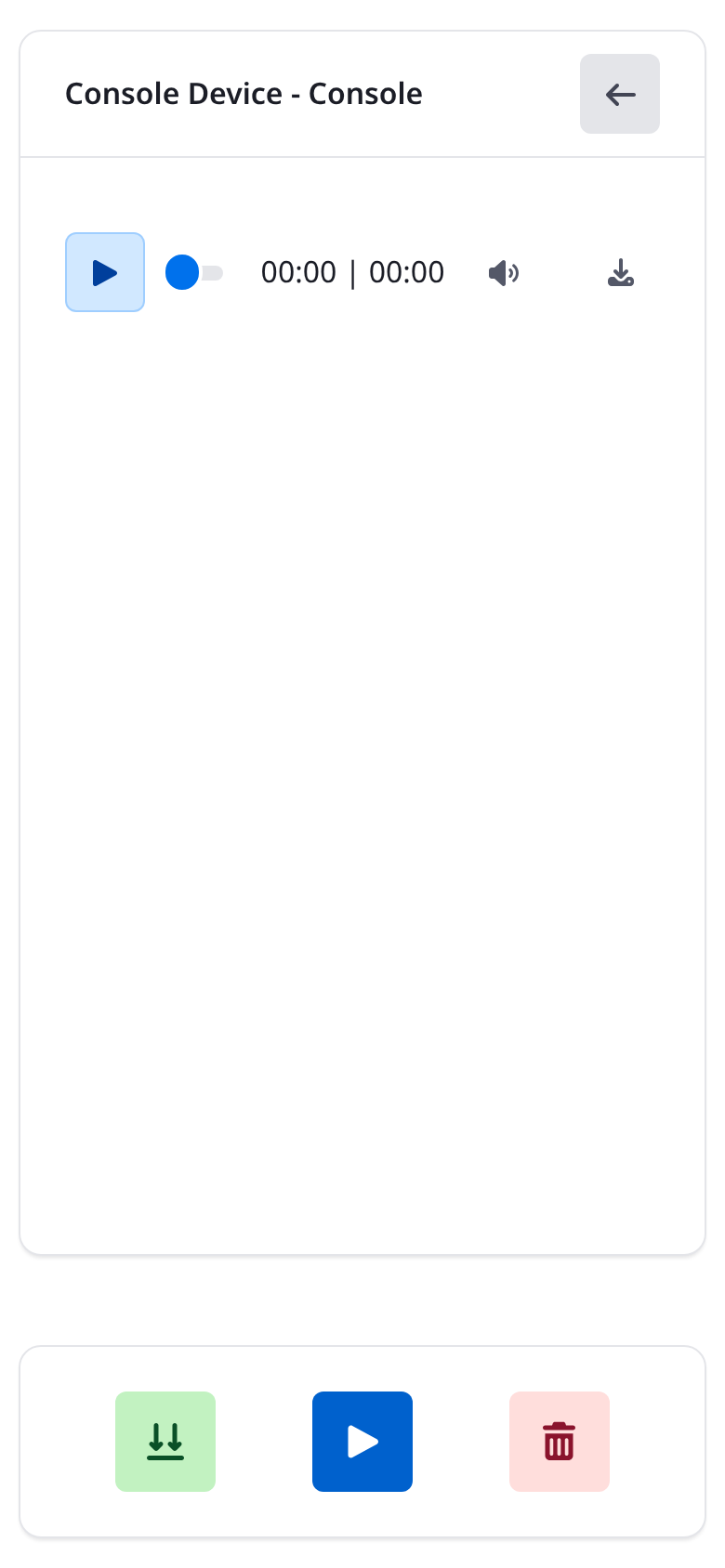
Playback and ZIP Export
Console

Playback & Stem ZIP

Preview individual audio tracks and export ZIP for your DAW.
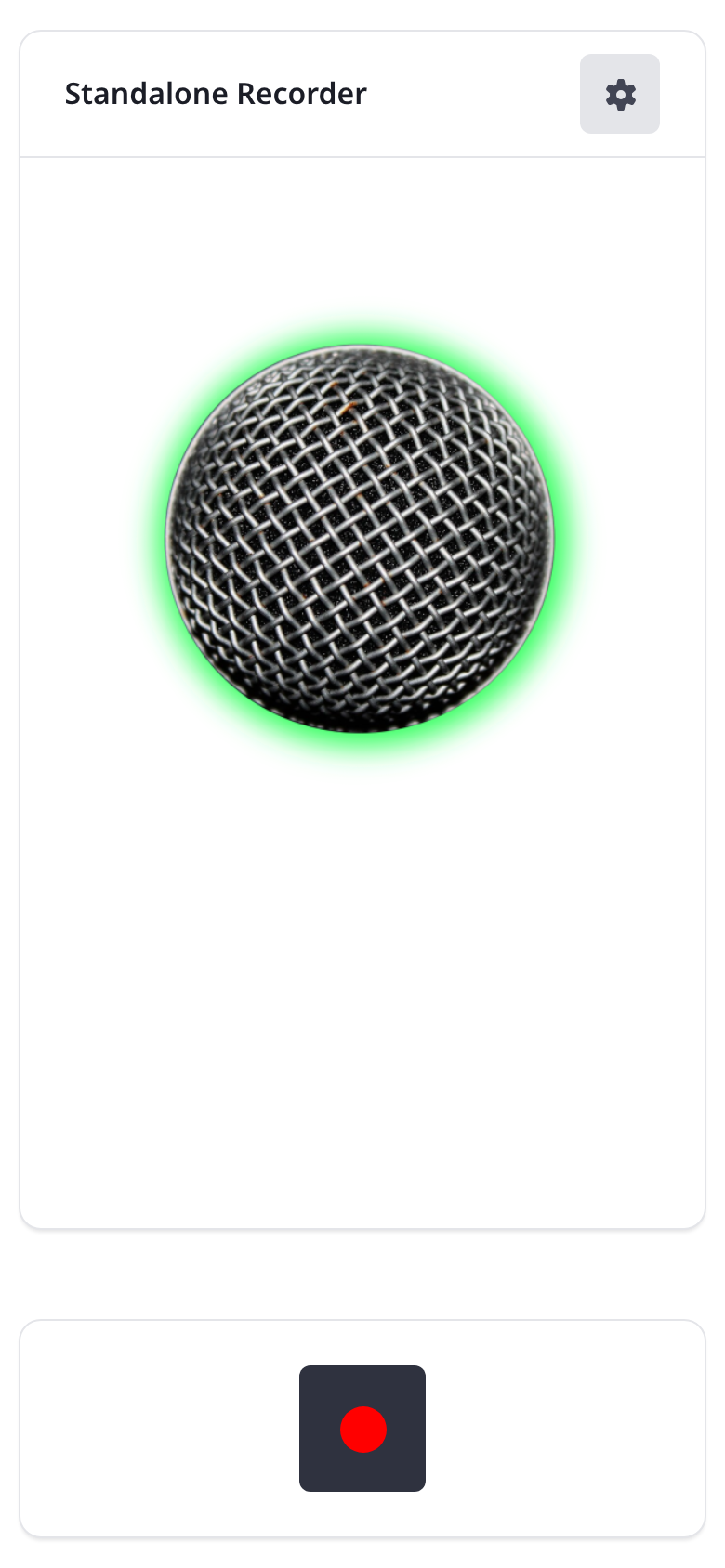
Standalone Recorder
Toolkit

Standalone Recorder

Quick single-device voice notes and practice demos.
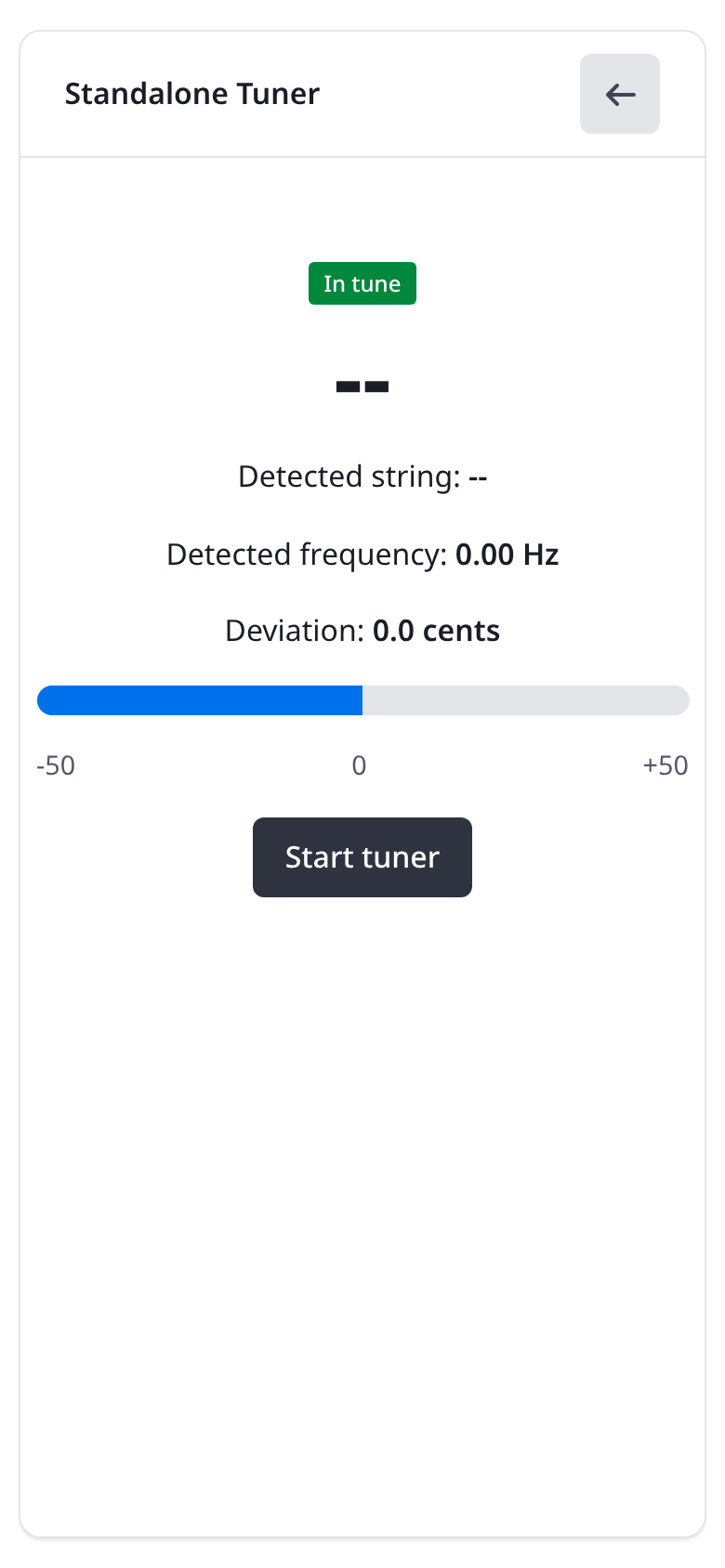
Standalone Guitar Tuner
Toolkit

Guitar Tuner

YIN algorithm pitch detection with cents offset display.

How to Use RecFi

Step-by-step guides for multitrack recording sessions, standalone voice notes, and guitar tuning.

Multitrack Recording Session (Main Feature)

Record a live band rehearsal, multi-person podcast, or acoustic jam session.

You will need at least one device for the Console and one or more source devices for each track you want to record.

01

Initialize the Console Device

Open RecFi on the tablet, laptop, or smartphone designated as your session controller. Enter a Device Name (e.g., "Studio Console") and tap Console. The Console displays a unique Peer ID and QR Code.
02

Connect Track (Source) Devices

On each musician's smartphone, open RecFi and tap Audio Source. Give each track a clear name (e.g., "Lead Vocals", "Acoustic Guitar", "Bass"). Connect to the Console by:
  • Scanning the Console QR Code with your camera, or
  • Entering the Console Peer ID and tapping Connect.
A live mic input meter confirms connection readiness.
03

Start Synchronized Recording

Review all connected track devices on the Console screen. Tap Record. RecFi broadcasts a synchronized countdown (3... 2... 1...) so every device begins capturing audio on the exact same millisecond. An active timer and track indicators display throughout the take.
04

Stop Recording & Transfer Stems

When the song or take finishes, tap Stop on the Console. RecFi signals all devices to stop recording simultaneously. Each track device automatically transfers its recorded audio file directly to the Console over WiFi.
05

Preview & Export ZIP Package

Preview each recorded track individually in the Console playback view. Tap Download All (.zip) to export a compressed archive containing all synchronized stems ready to drop into GarageBand, Ableton, Logic Pro, or Reaper.

Pro Tip: Using professional microphones and audio interfaces can significantly improve the quality of your recordings, even in a home setup.

RecFi is great for casual use with built-in microphones, but can also be greatly enhanced by using high-quality external microphones and audio interfaces. Did you know that any modern smartphone can host professional-grade audio equipment via the USB-C connector? Adapters also exist for Lightning and other connectors as well. See how to connect one.

Standalone Recorder Mode

Capture quick voice notes, rehearsal demos, or solo audio on a single device.

01

Open Standalone Recorder

Tap Standalone Recorder on the home screen and test your microphone input level.
02

Record, Pause, and Stop

Tap Record to start, Pause if needed during practice, and Stop when complete.
03

Listen & Download

Listen back using the built-in player and save the recording file directly to your local storage.

Standalone Guitar & Instrument Tuner

Tune guitars and acoustic instruments before your recording session.

01

Launch Tuner

Tap Standalone Tuner on the home screen and grant microphone permission.
02

Pluck Any Instrument String

Pluck a string near your device microphone. RecFi analyzes audio pitch in real time using the YIN algorithm.
03

Read Pitch, Frequency, and Cents Offset

The tuner displays the detected Note Name (e.g., E2, A2, D3, G3, B3, E4), exact frequency in Hertz (Hz), and a Cents Offset meter indicating whether the string is sharp or flat.

Use Cases

Versatile audio recording workflows for bands, creators, podcasters, and educators.

Band Rehearsals & Demos

Place smartphones near the drum kit, guitar amps, bass, and vocals. Capture isolated stems without renting studio time or setting up complex cabling.

Podcasts & Roundtables

Eliminate vocal crosstalk by giving every podcast guest their own smartphone track. Export clean, isolated audio channels for seamless post-production editing.

Choirs & Vocal Groups

Record separate tenor, alto, soprano, and bass sections simultaneously in choir rehearsals and acoustic vocal ensembles.

Music Education & Practice

Teachers and students can record multi-part duet tracks independently during practice sessions and evaluate individual performance stems.